
Daily Operations
Tasks MSSP operators run against a live SocTalk install.
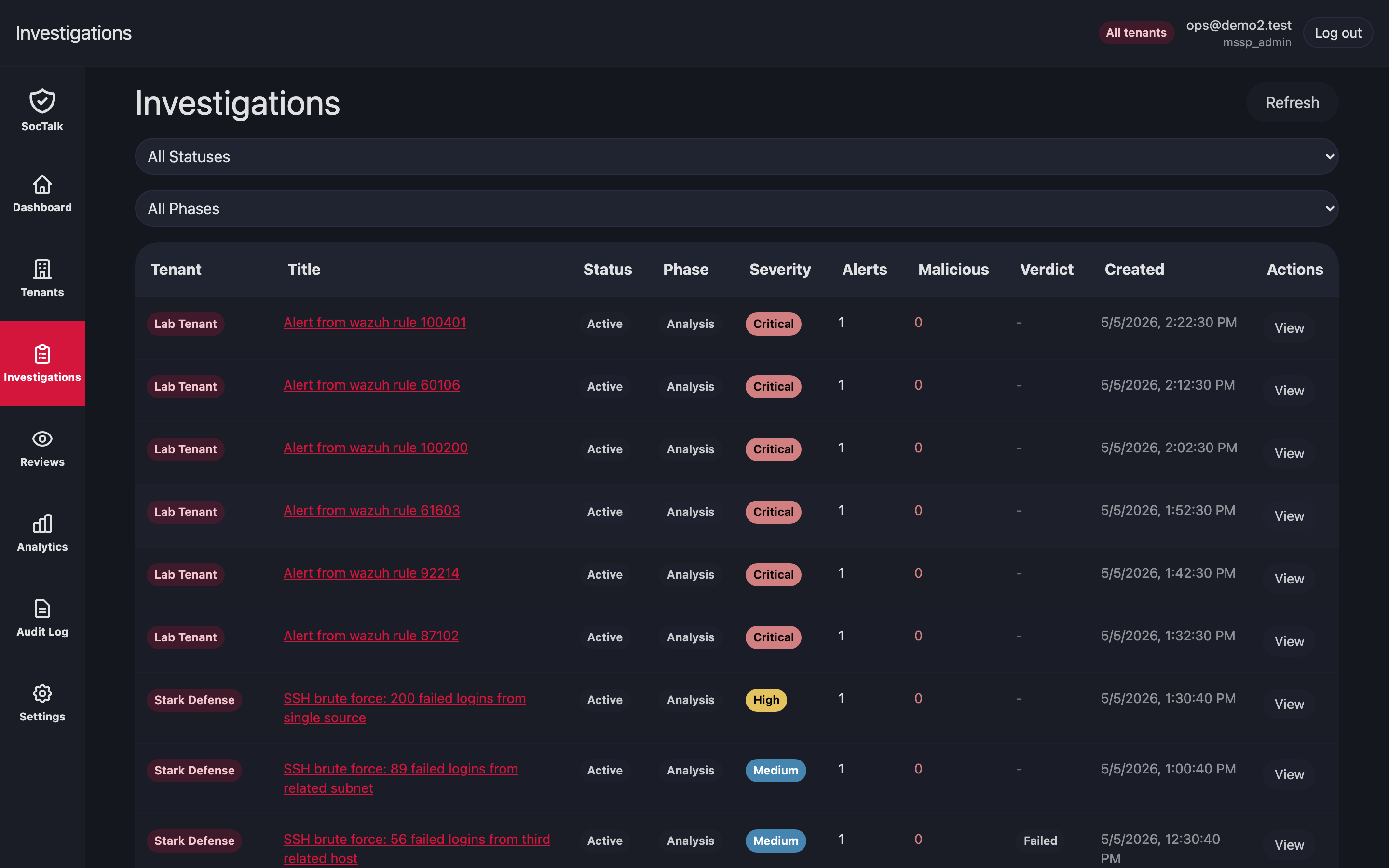
Investigation queue
Open Investigations to see active cases for every tenant on one view. Filters: tenant, severity. Click a row for the case timeline, conversation, and proposals.
Proposal review queue
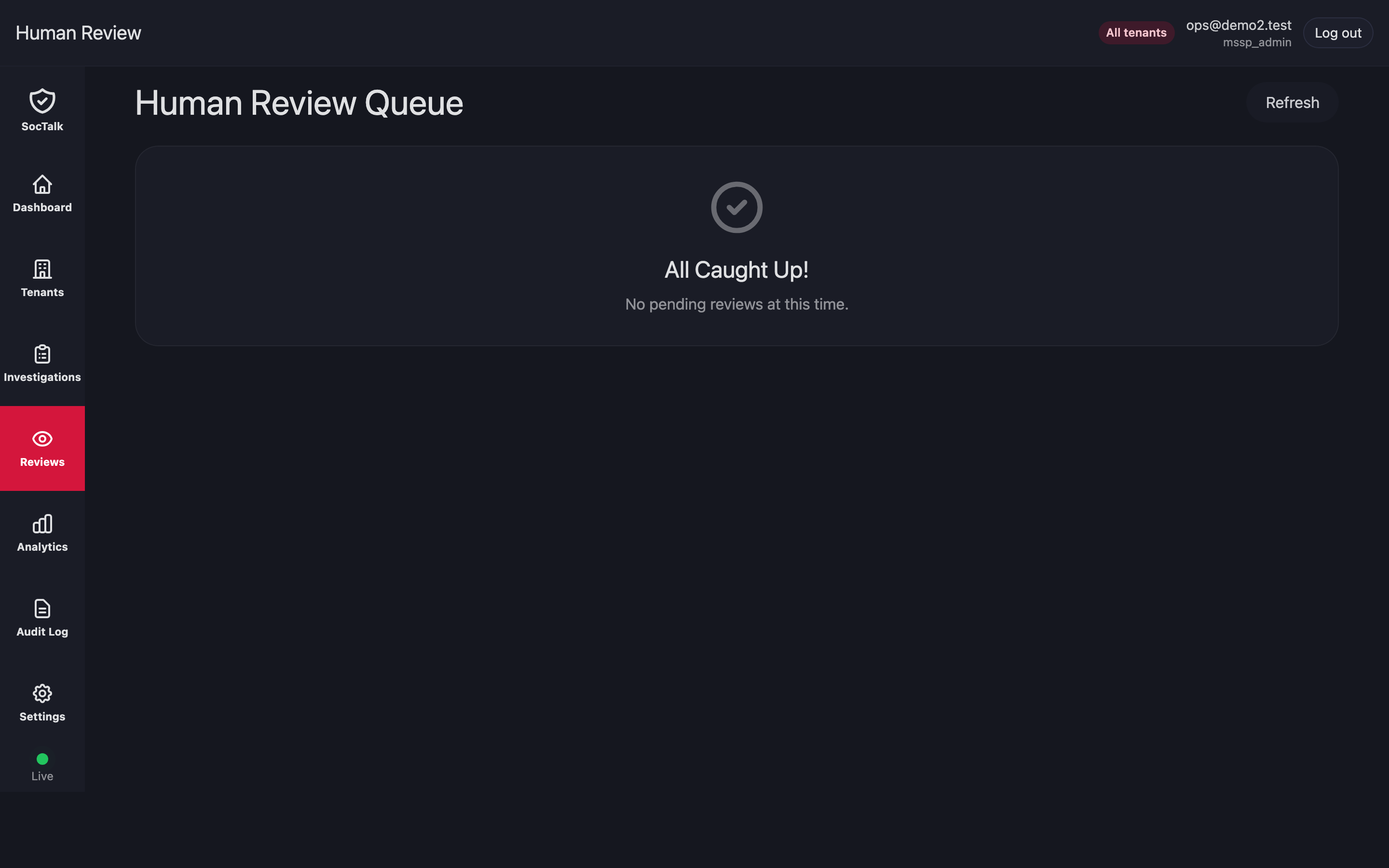
Reviews is the cross-tenant queue of AI proposals waiting on a human. Approving writes an outbox row keyed by proposal.idempotency_key; the executor consumes it exactly once.
Tenant stuck in provisioning
Symptom: a new customer's tenant row sits in provisioning state for more than 15 min.
- Check the Helm release status:bash
helm status tenant-<slug> -n tenant-<slug> - Check pod events:bash
kubectl -n tenant-<slug> get events --sort-by=.lastTimestamp | tail -30 - Common causes:
StorageClassmissing or provisioner down → PVCs stuckPending. Provision storage;kubectl describe pvcshows the reason.- ResourceQuota too small for the Wazuh indexer request. Raise the tenant's ResourceQuota via
helm upgradewith new values. - Image pull failures → check registry auth and firewall.
If a provisioning attempt cannot recover, decommission and retry:
# From the MSSP UI: tenant detail → Decommission → force=true
# Or via API:
curl -X POST https://mssp.../api/mssp/tenants/<id>:decommission?force=true
Tenant in degraded state
degraded means SocTalk lost contact with the tenant adapter for more than 10 min.
- Check the adapter pod:bash
kubectl -n tenant-<slug> logs deploy/soctalk-adapter --tail=200 - Check NetworkPolicy egress (adapter needs to reach
soctalk-systemAPI):bashhubble observe --from-pod tenant-<slug>/soctalk-adapter-<pod> - Restart the adapter:bash
kubectl -n tenant-<slug> rollout restart deploy/soctalk-adapter
If the data plane is healthy but the adapter still cannot reach soctalk-system, inspect the adapter-egress NetworkPolicy.
Rotate per-tenant LLM key
- MSSP admin → customer detail → Settings → LLM → paste new key → Save.
- SocTalk overwrites the
tenant-<id>-llmSecret insoctalk-system. The orchestrator picks up the change on the next worker context build; no pod restart needed.
Rotate data plane bootstrap secrets
soctalk-cli rotate-admin --tenant <slug> --service wazuhBrief per-service interruption during rotation. Agents need to re-enroll only if the Wazuh authd shared secret is rotated:
soctalk-cli rotate-agent-secret --tenant <slug>
# Distribute new secret to customer endpoint admin via secure channel.
Analytics
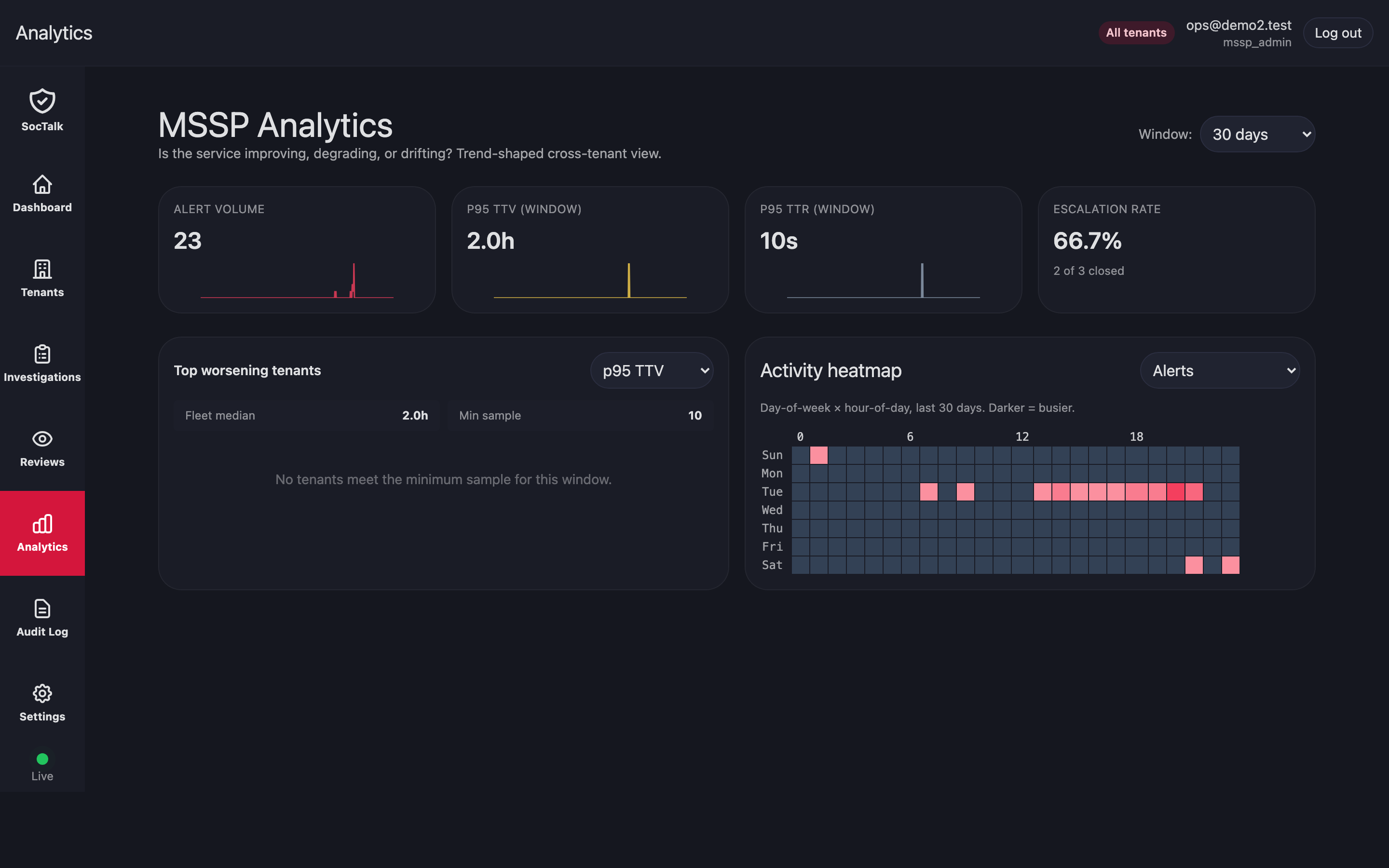
Analytics rolls up triage volume, proposal outcomes, MTTR, and budget burn per tenant. Use it for capacity planning, model evaluation, and SLA review.
Audit log review
MSSP-wide audit log lives in UI → Audit tab. Filter by tenant, actor, action, or timestamp. For compliance exports, use the API:
curl 'https://mssp.../api/mssp/audit?since=2026-01-01&tenant=<id>' > audit.json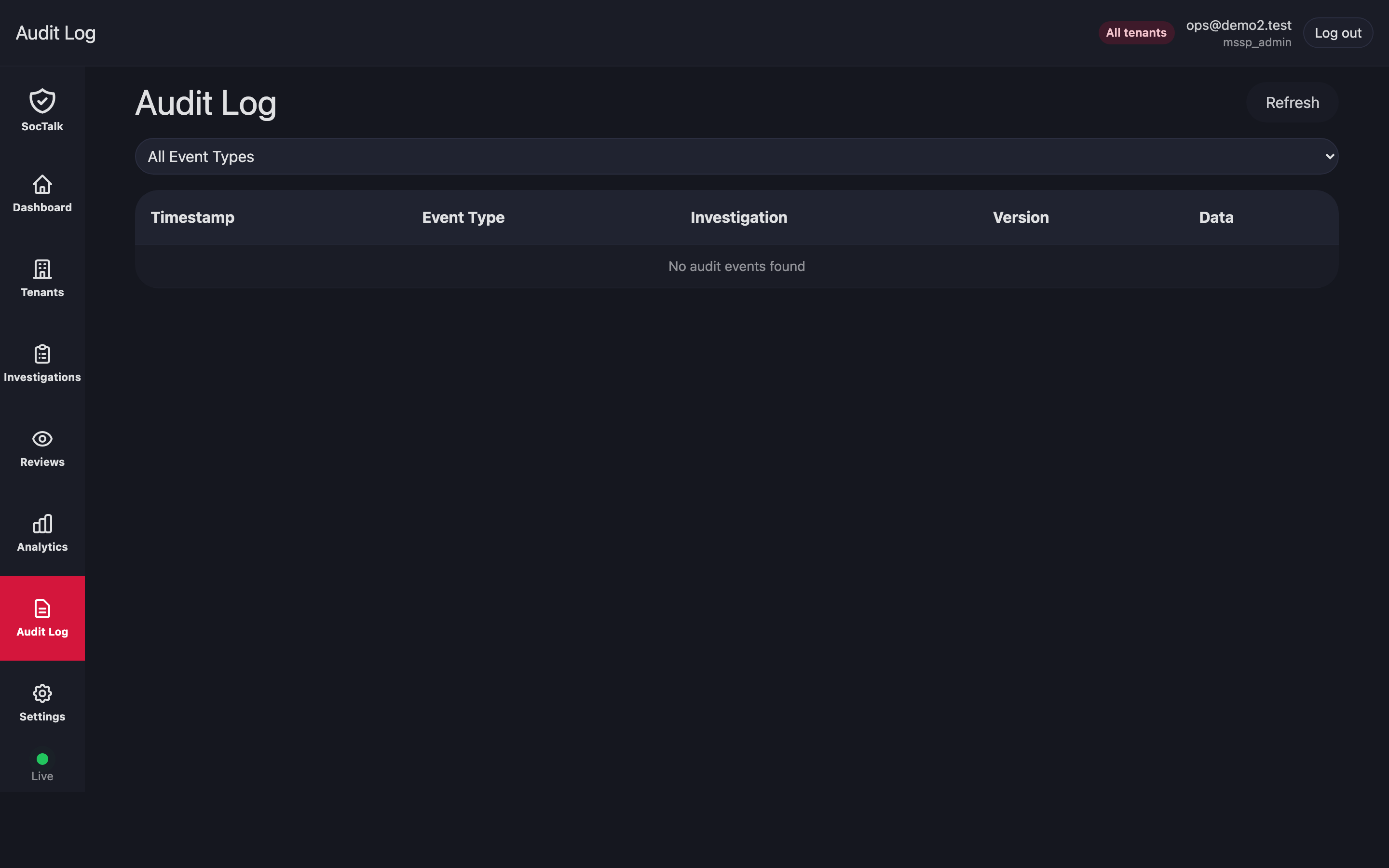
Database restore (disaster recovery)
Backups are MSSP-managed externally (Velero, cluster snapshots, external pg_dump). To restore:
- Stop SocTalk API and orchestrator:bash
kubectl -n soctalk-system scale deploy soctalk-system-api --replicas=0 kubectl -n soctalk-system scale deploy soctalk-system-orchestrator --replicas=0 - Restore Postgres data from your backup.
- Restart the workloads.
Tenant data plane PVCs follow the same pattern: restore per-namespace, then helm upgrade the tenant release to re-attach.
Emergency: disable a tenant immediately
Preferred path is the UI Suspend action: it scales every Deployment/StatefulSet in the tenant namespace to zero, so no pods remain to send or receive traffic.
If you need to cut the tenant off from the API layer immediately while pods are still terminating, combine the suspend with a deny-all NetworkPolicy. NetworkPolicy alone does not reliably kill long-lived connections that pre-date its application (Cilium re-evaluates on flow updates but established TCP flows can persist), so scaling pods to zero is the actual cut-off:
# 1. Scale all workloads in the tenant namespace to zero. This is the
#    definitive stop — pods go away.
kubectl -n tenant-<slug> get deploy,statefulset -o name \
  | xargs -I {} kubectl -n tenant-<slug> scale {} --replicas=0

# 2. Belt-and-braces deny-all so anything that comes back up (e.g.,
#    from a stuck operator reconciling) is sandboxed.
kubectl -n tenant-<slug> apply -f - <<EOF
apiVersion: networking.k8s.io/v1
kind: NetworkPolicy
metadata: { name: emergency-deny-all }
spec:
  podSelector: {}
  policyTypes: [Ingress, Egress]
EOF
Reverse by deleting the NetworkPolicy and scaling workloads back up (or, preferably, lifting the suspend from the UI which restores the recorded replica counts).
Cross-tenant data leak suspicion
If you suspect cross-tenant access:
- Check recent RLS test suite runs; they pass in CI for every release.
- Probe the DB directly:bash
kubectl -n soctalk-system exec -it statefulset/soctalk-system-postgres -- \ psql -U soctalk_app -d soctalk \ -c "SET app.current_tenant_id='<tenant-a>'; SELECT tenant_id FROM events LIMIT 5;" - If a leak is confirmed, file a P1 incident. RLS plus
FORCE ROW LEVEL SECURITYis the last line of defense; an unpatched leak indicates an application bug or a Postgres role misconfiguration.
Common mistakes
- Running migrations as
soctalk_app. Migrations needsoctalk_admincredentials; undersoctalk_appthey fail. - Editing
soctalk-tenantvalues directly in Helm. This bypasses SocTalk's database state; go through the API. - Creating
tenant-*namespaces by hand. The required labels won't be there and SocTalk won't recognize the namespace. Use the tenant-create flow.